OFFICE CORE
DigiTayqa: the central management engine
All office operations, from sales to accounting, on a single data set — no double entry, no mismatched numbers.
Module 01
Sales management
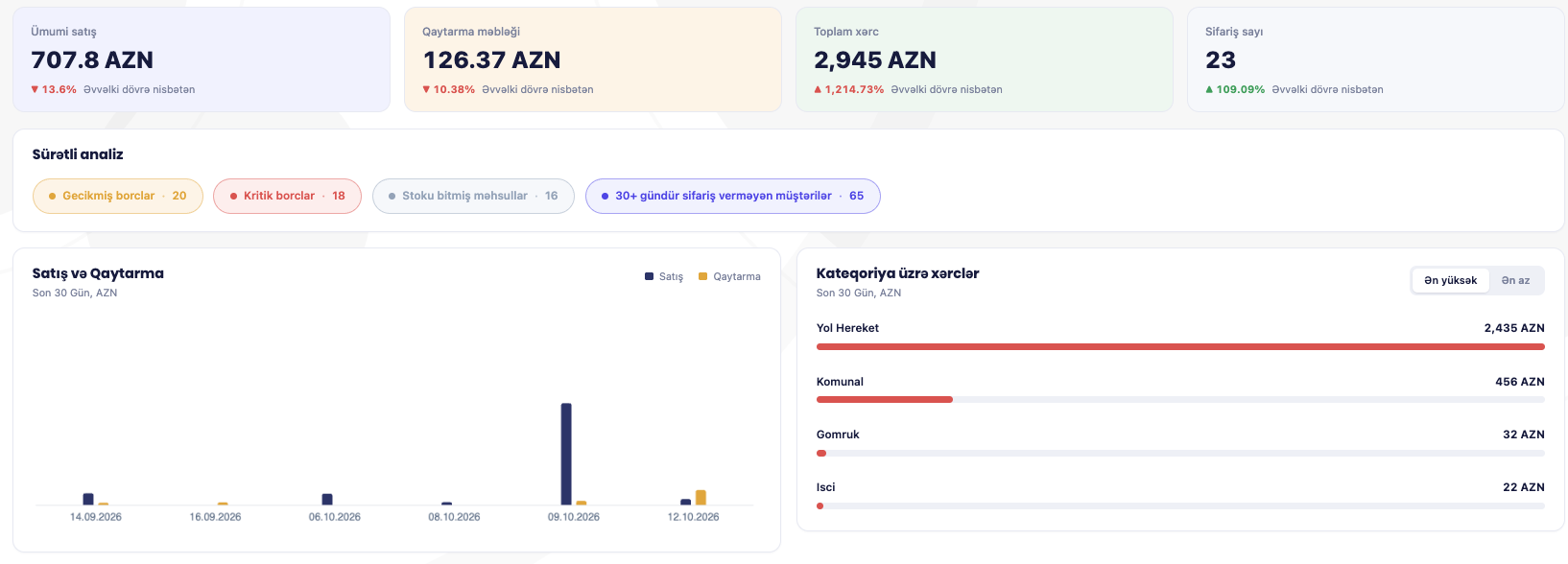
The full daily sales cycle on one screen — from orders to target tracking.
- Orders, invoices, van/direct sales, returns
- Sales targets (by employee, product group)
- Cash collection targets (by employee)
- Print templates (for each transaction type)
Module 02
Promotion management
Set up a discount or promo rule once — it applies automatically to every sale in the field.
- Flexible bases (customer, product, customer–product, group, group–product)
- Date and transaction selection
- Discount percentage
- Free goods (condition-based)
Module 03
Logistics management
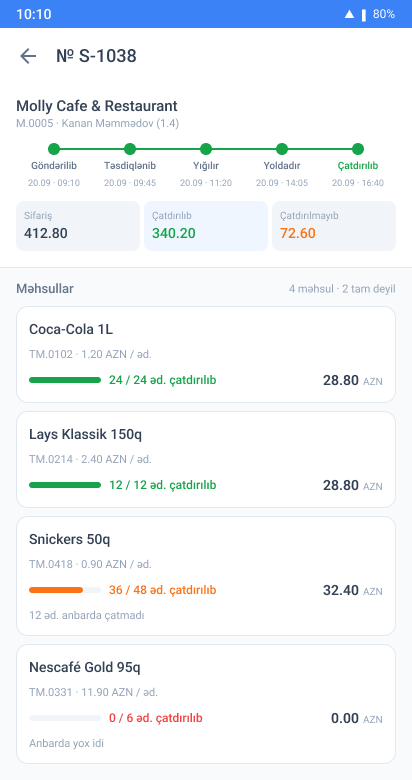
Delivery and invoicing in one flow — from loading to printing the signed invoice.
- Trucks (weight/volume parameters)
- Delivery packages (driver, truck, zone)
- Warehouse transfer (A→B, invoicing from B)
- Bulk invoicing
- Print forms (warehouse/driver list, signed invoice)
Module 04
Warehouse management
Stock movements, balances and counts in one place — accurate stock balance with two valuation methods.
- Receipts/issues (production, waste, count variance)
- Transfers and requests (between warehouses)
- Stock count (compared with current balance)
- Two valuation methods (net of reservations and actual)
- Stock balances and statements (export to Excel)
Module 05
Purchasing management
The full purchasing cycle in one flow: orders, invoices, returns, recurring subscriptions.
- Purchase orders, invoices, returns (goods and services)
- Recurring service purchases (periodic expenses automated)
Module 06
Finance
Cost allocation and cost of goods are calculated automatically using industry-standard methods.
- Cost allocation (weight, volume, amount, quantity)
- Cost of goods (FIFO, LIFO, average)
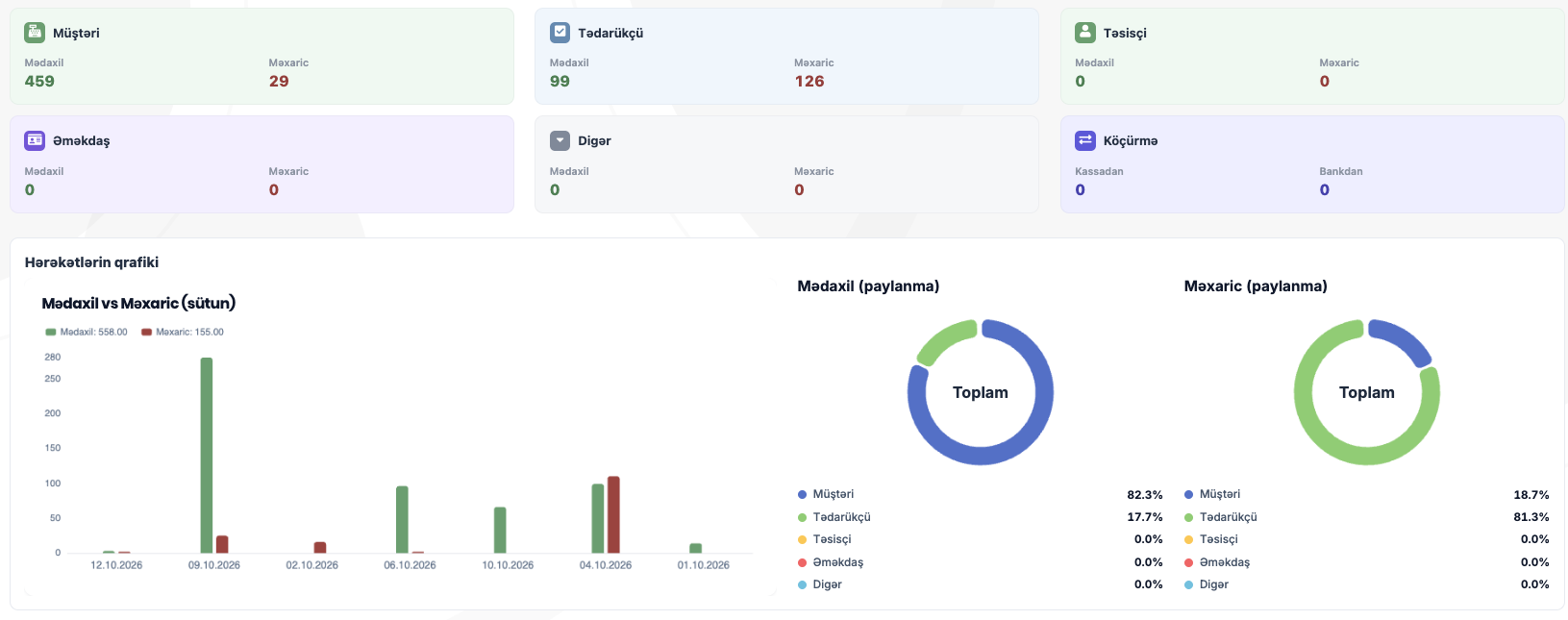
- Bank and cash (receipts/payments, transfers, statements, one-off expenses)
- Balance adjustments (debit/credit notes, opening balance, receivables tracking)
Payments collected in the field go straight into this reconciliation.
Module 07
Accounting
From the chart of accounts to Profit and Loss and the Balance Sheet — in one system.
- Chart of accounts (including sub-accounts)
- Manual journal (manual accounting entries)
- Accounting accounts (account, customer, service, product)
- Reset (card and transaction linking)
- Profit and Balance Sheet reports
Module 08
Call Center & other integrations
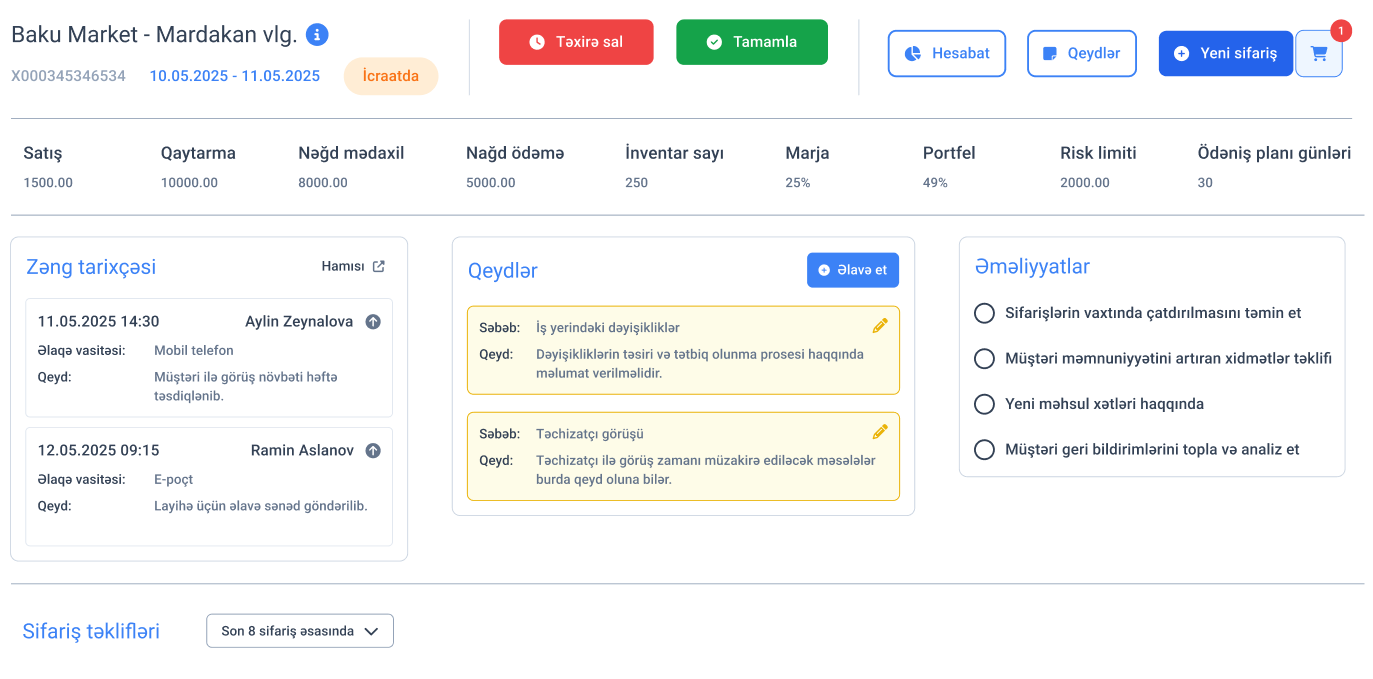
Call center agents see the customer's order and debt history straight from the ERP.
- Customer calls linked directly to the ERP
- Call history shown on the customer card
- Notes linked to the customer profile
- Order suggestions prepared automatically from history